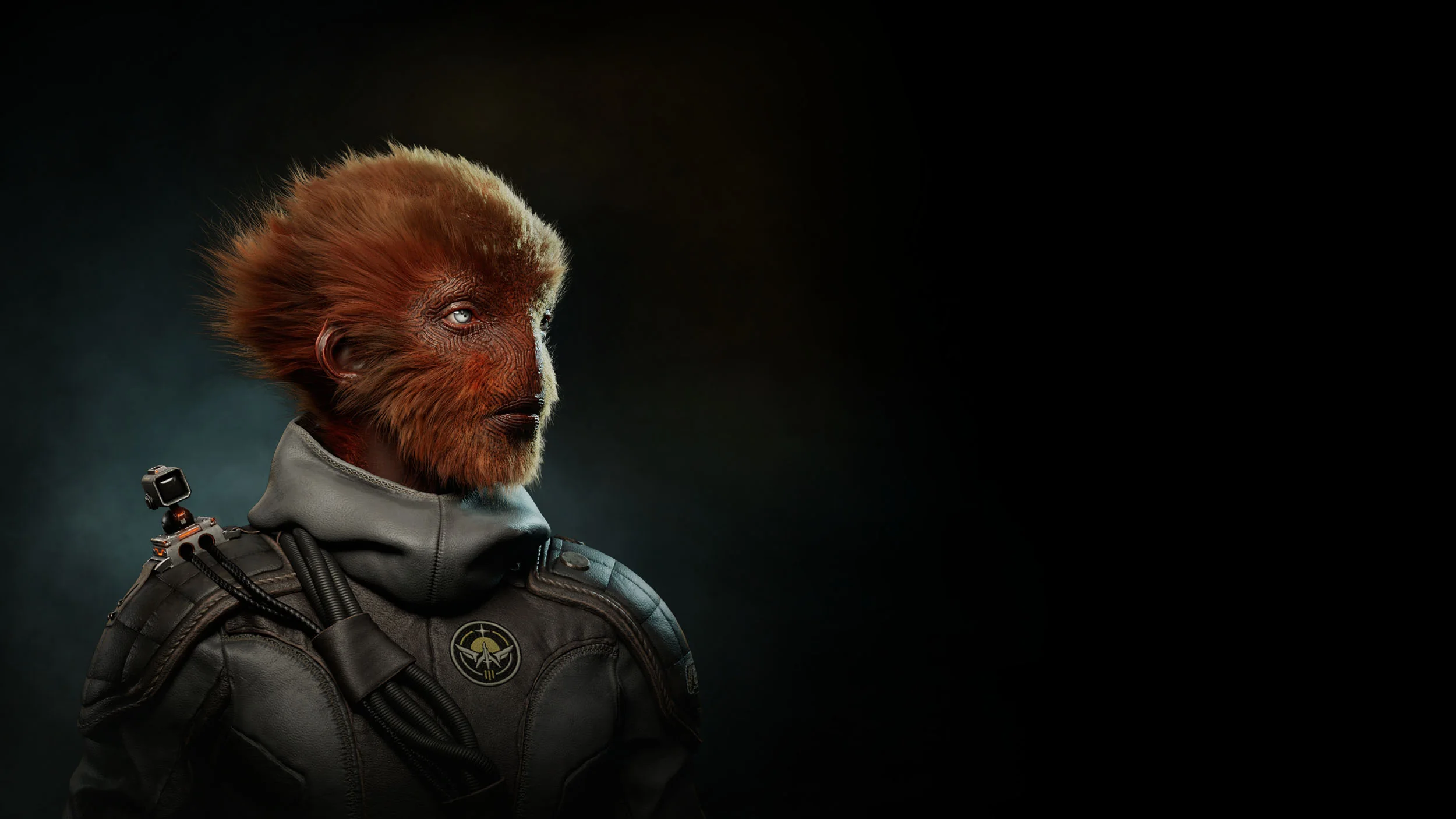

Your FiberMesh as real Blender hair. In one click.
Export the curves from ZBrush, click Build Hair, and get a Blender hair system that is attached, masked, shaded and ready to render.
I love grooming with FiberMesh. Rendering it outside ZBrush was always the problem.
So I built FiberPort around my own workflow: groom in ZBrush, then render that same groom in Blender. Here it is in about a minute.
Watch the full tutorial on YouTube
Keep my groom
I didn't want to rebuild the hair from scratch and groom it all over again in Blender. FiberPort uses the fibers I already styled in ZBrush.
See it for real
I wanted the groom I see in ZBrush, rendered as realistic hair with proper thickness, clumps, frizz and colour.
One click for the setup
The setup used to take me a long list of manual steps before anything worked. Now it's one click, and my time goes into adjusting the look.
Same groom. Now it renders.
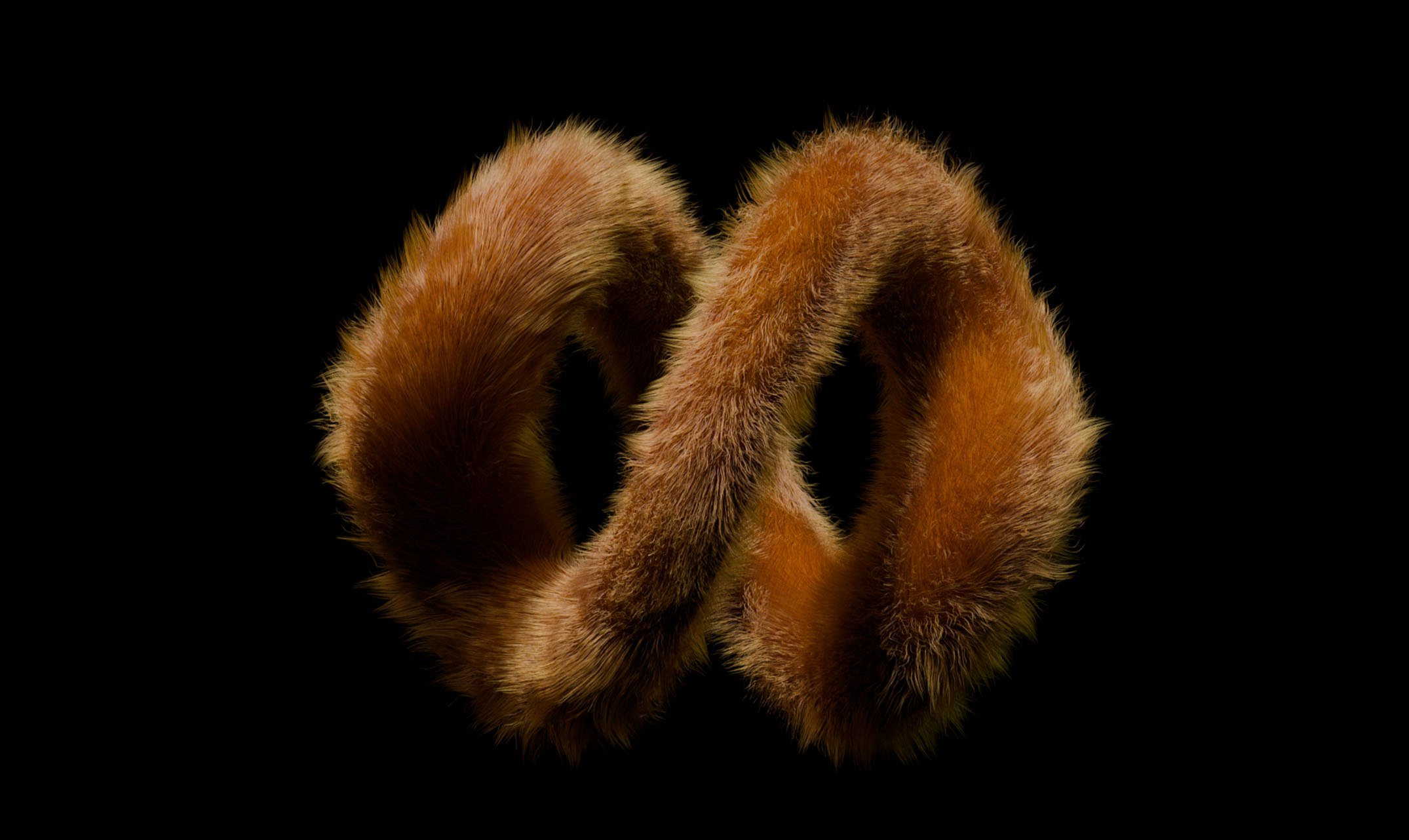
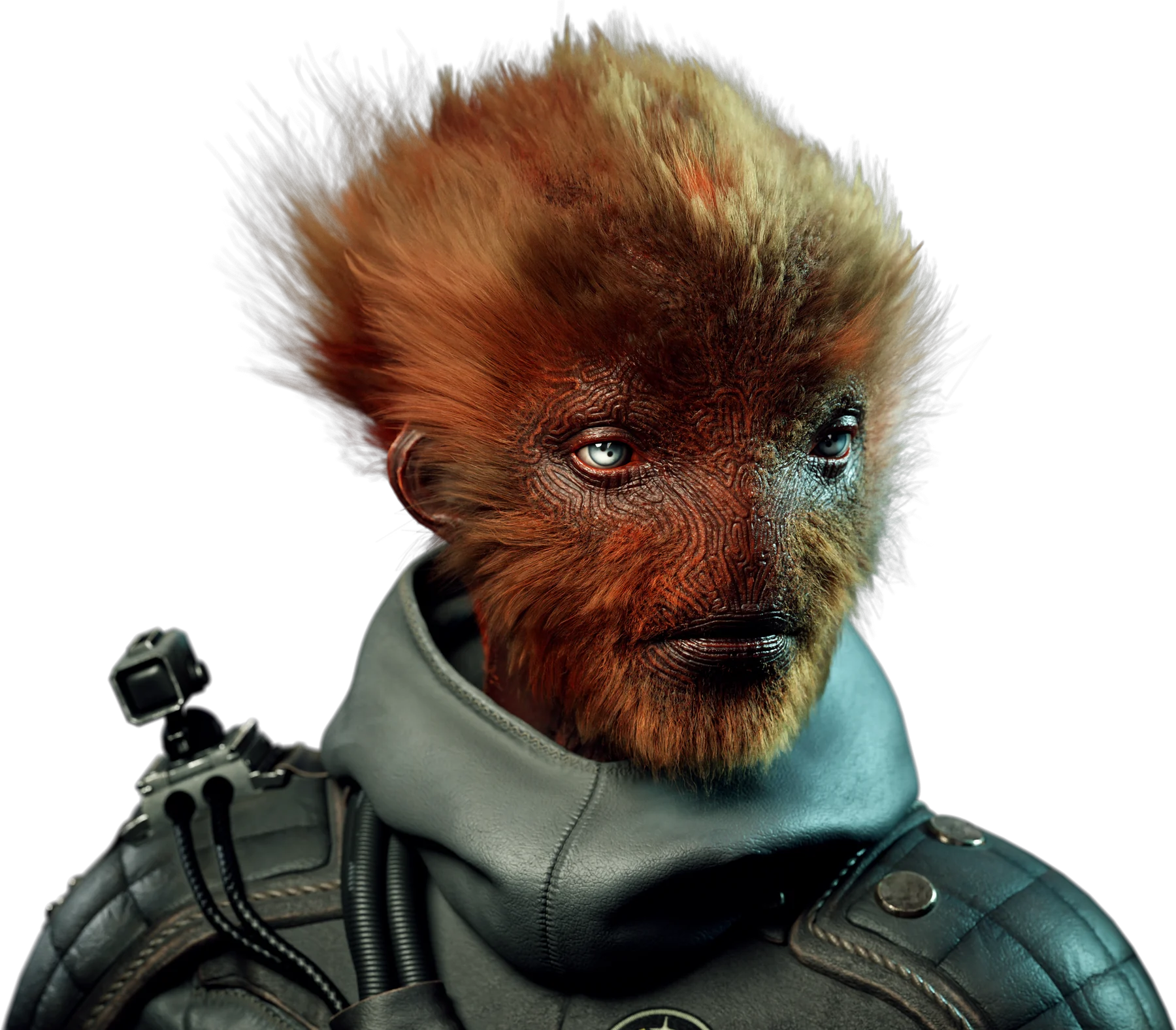
Drag across the image. On the left, the FiberMesh in ZBrush. On the right, the same fibers built by FiberPort and rendered in Blender.
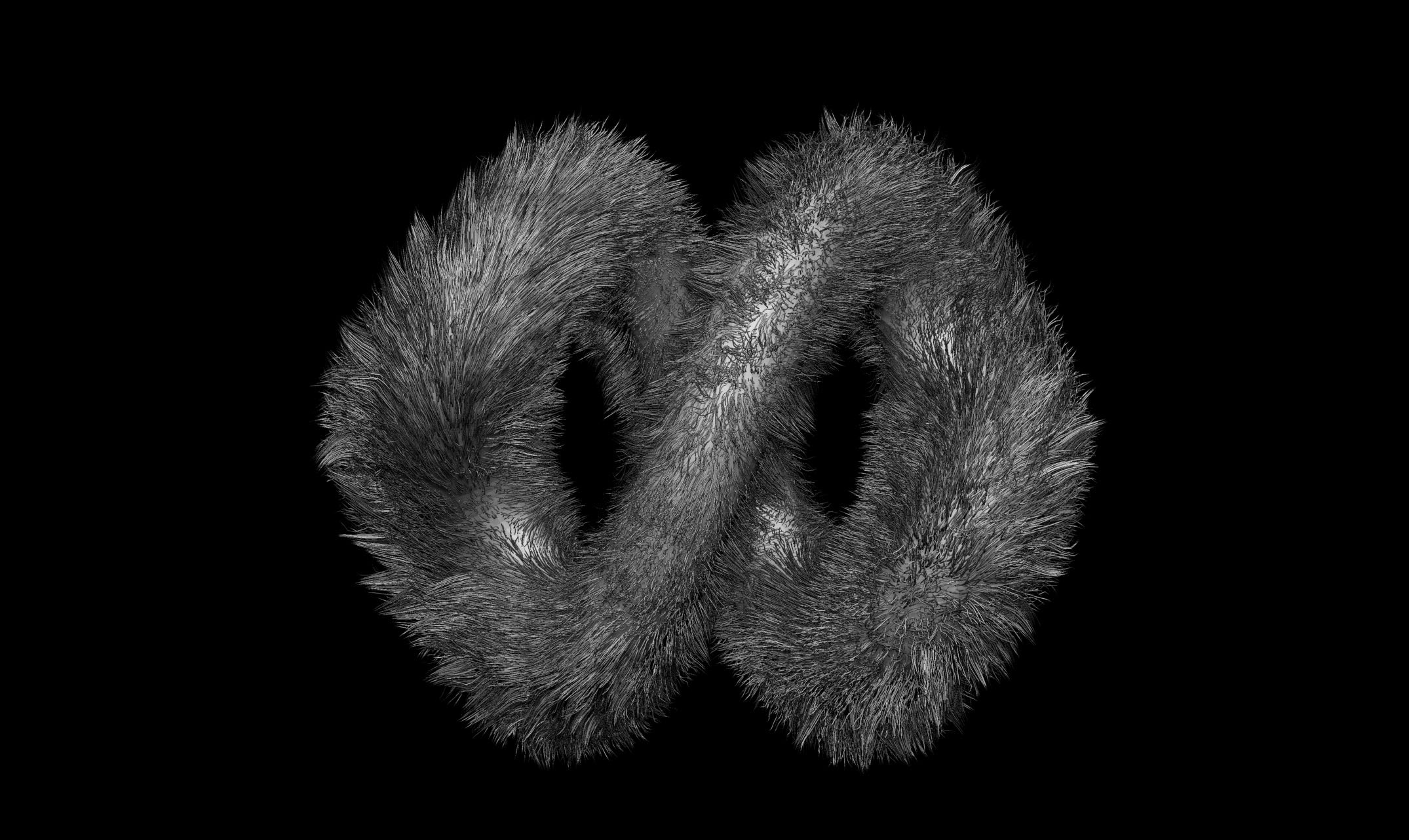
 ZBrush FiberMesh
Blender with FiberPort
Groom in ZBrush. Build in Blender. Render anywhere.
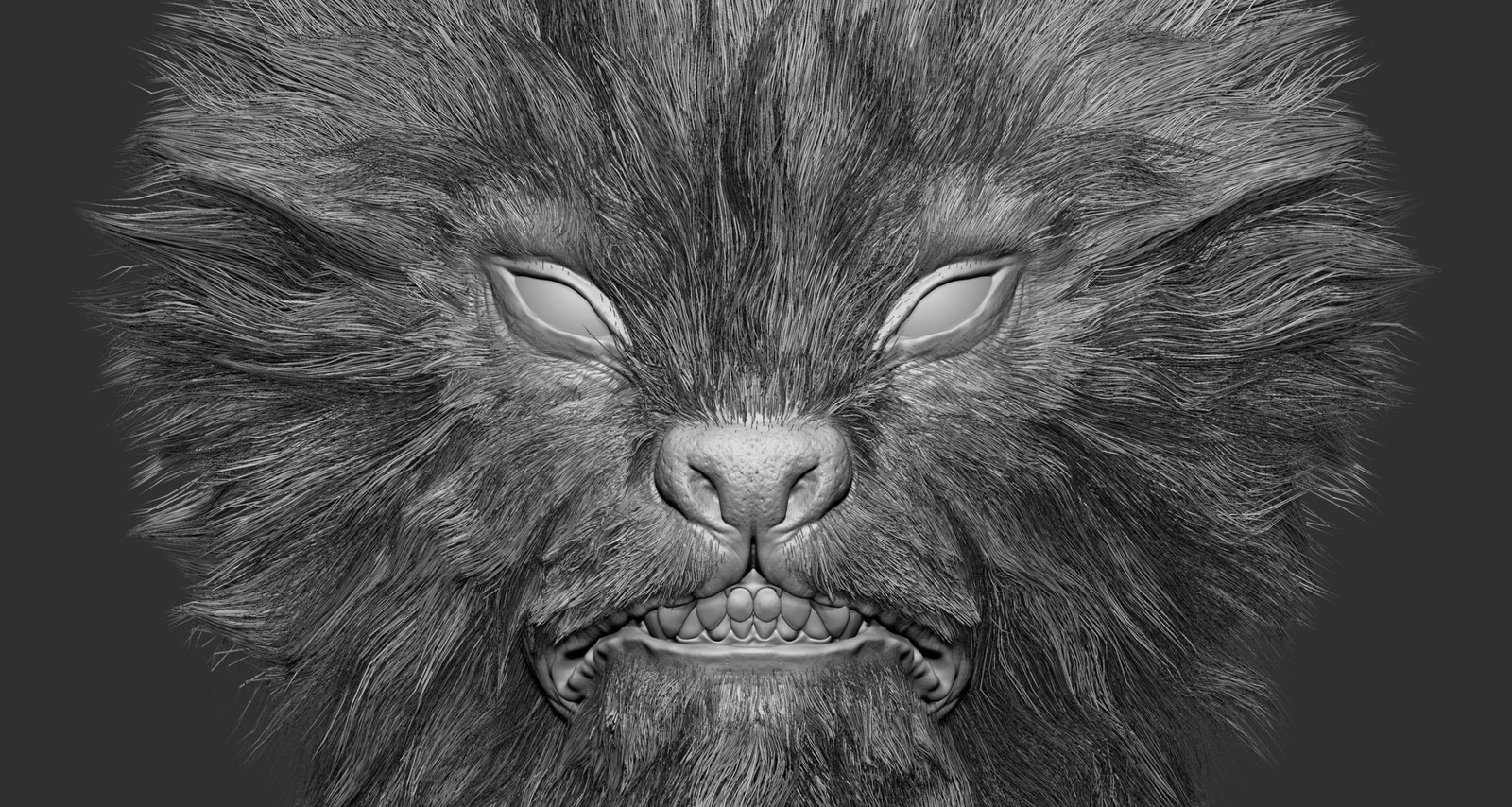 ZBrush
Groom in ZBrush
Style your FiberMesh the way you always do, then use Export Curves to save it as an OBJ.
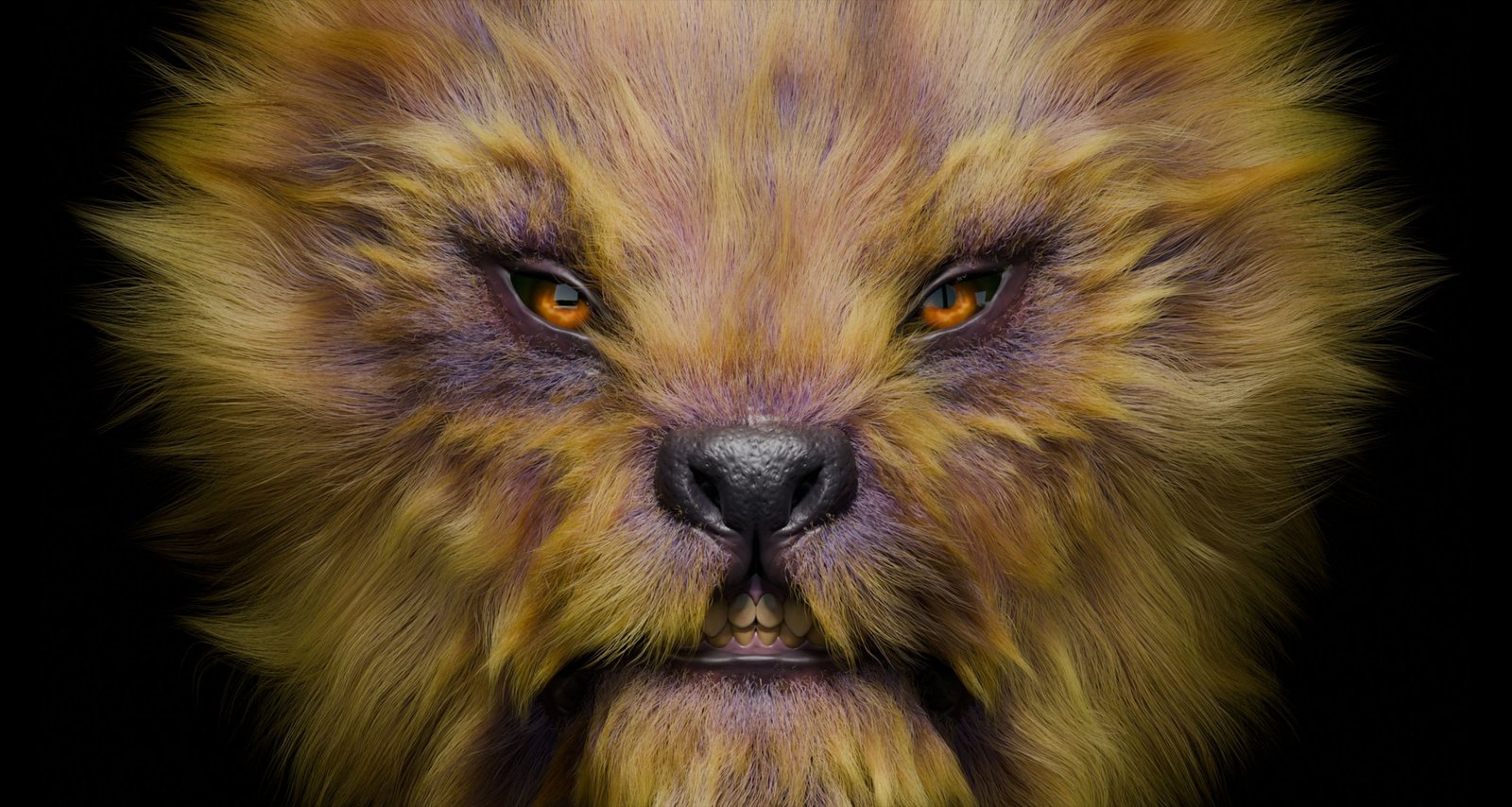 Blender · Cycles
Build and render in Blender
Select the mesh, click Build Hair and pick the OBJ. FiberPort builds the hair, the mask and the shader, ready to render in Cycles.
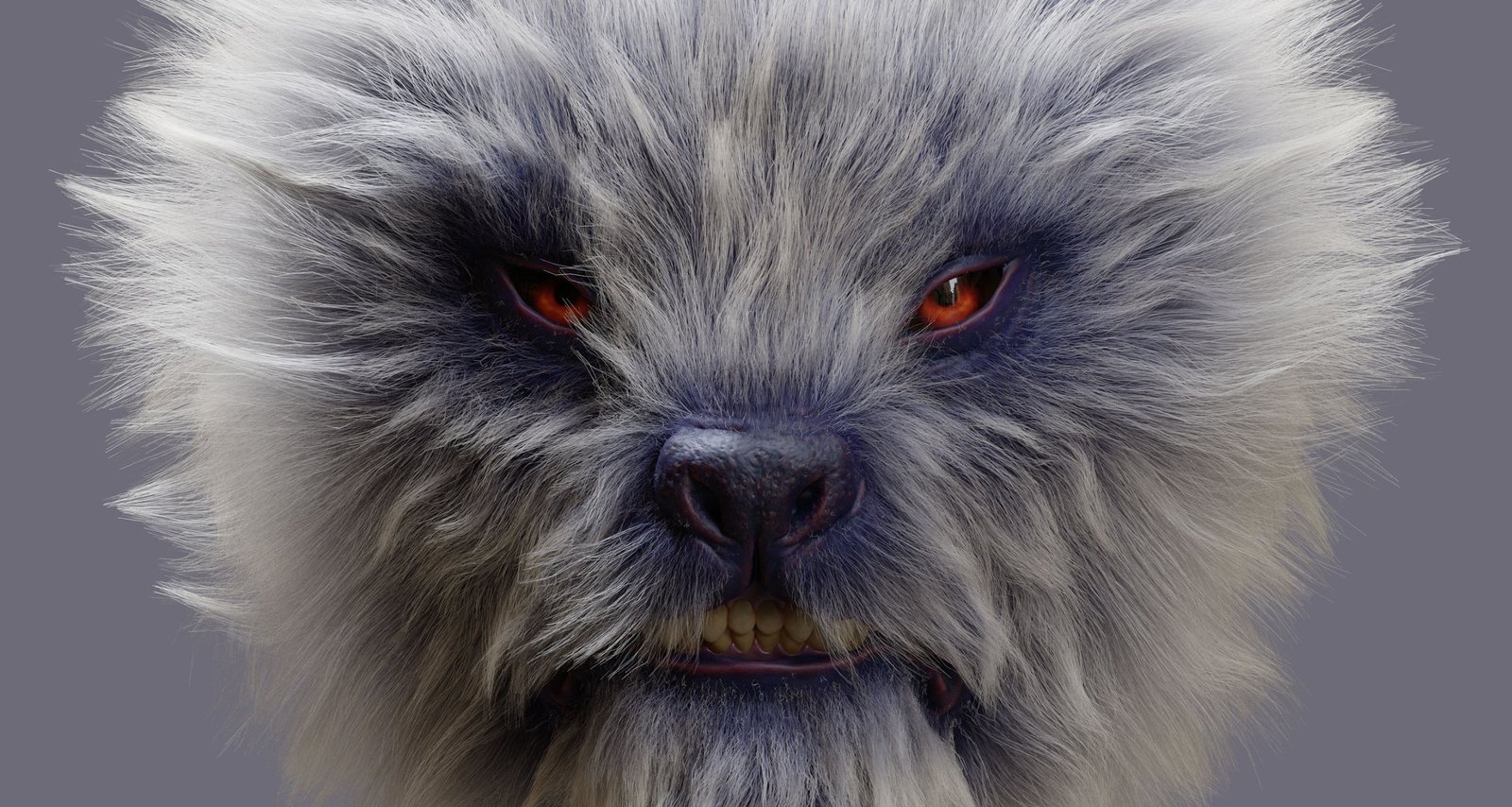 Marmoset Toolbag
Export and render in Marmoset
Export an Alembic file that lines up with your ZBrush model, then render the same hair in Marmoset Toolbag.
Simple by default. Plenty of control when you want it.
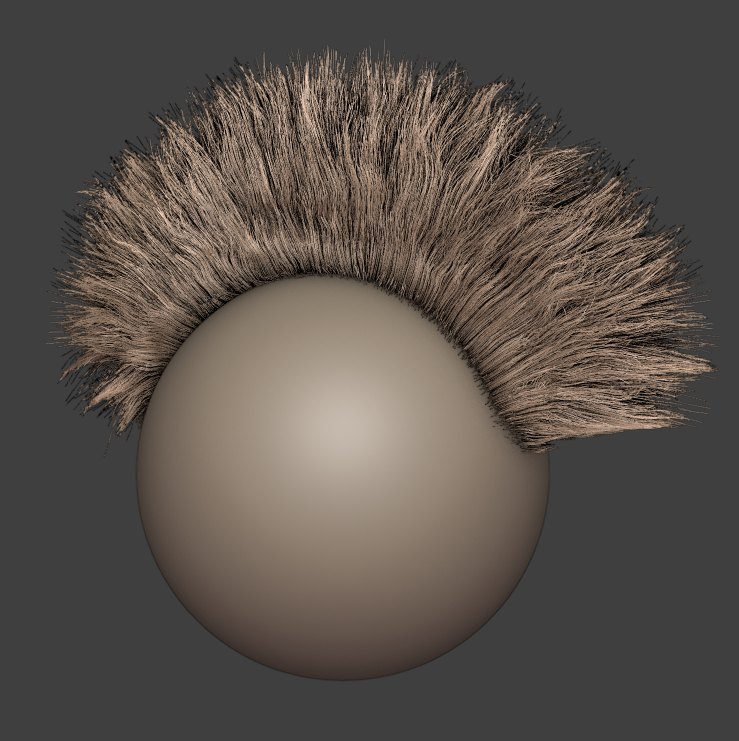
Fast, even with a full export
Tens of thousands of fibers built in seconds, with no freeze.
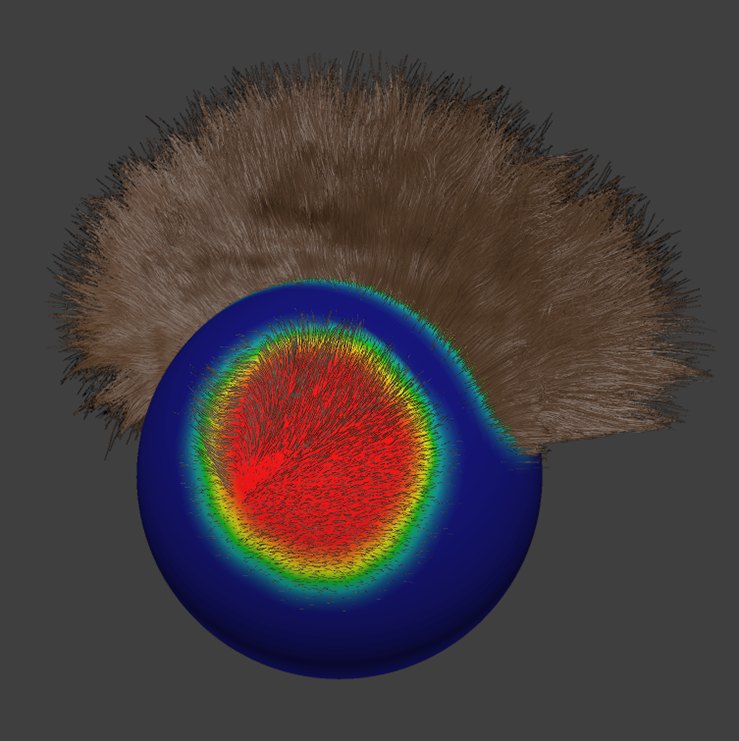
Paint where hair grows
Add or remove coverage, or paint custom hair with its own length, clump and frizz.
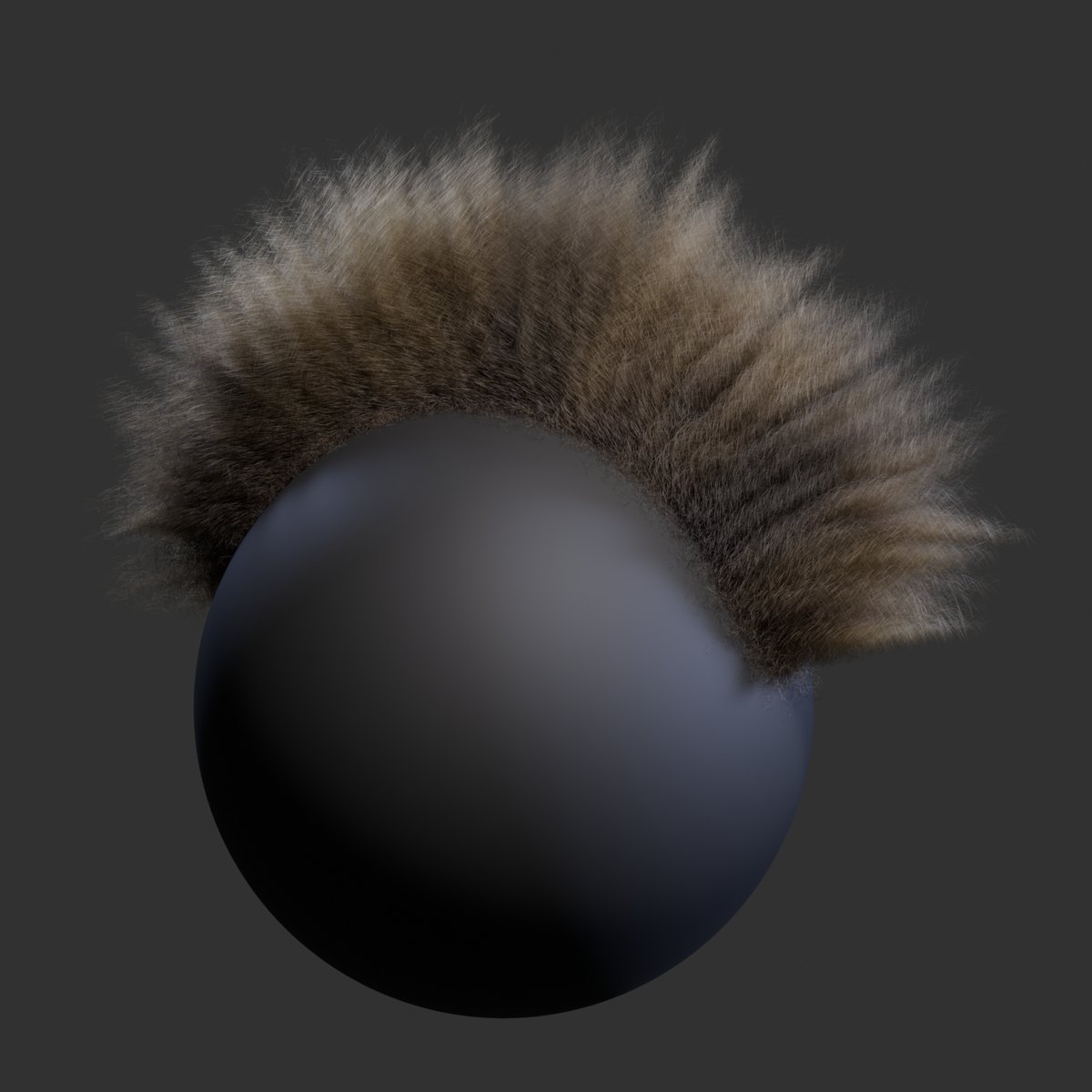
Clump, frizz, noise and curl
Easy 0 to 100 sliders, extra layers, and a one-click undo on every slider.
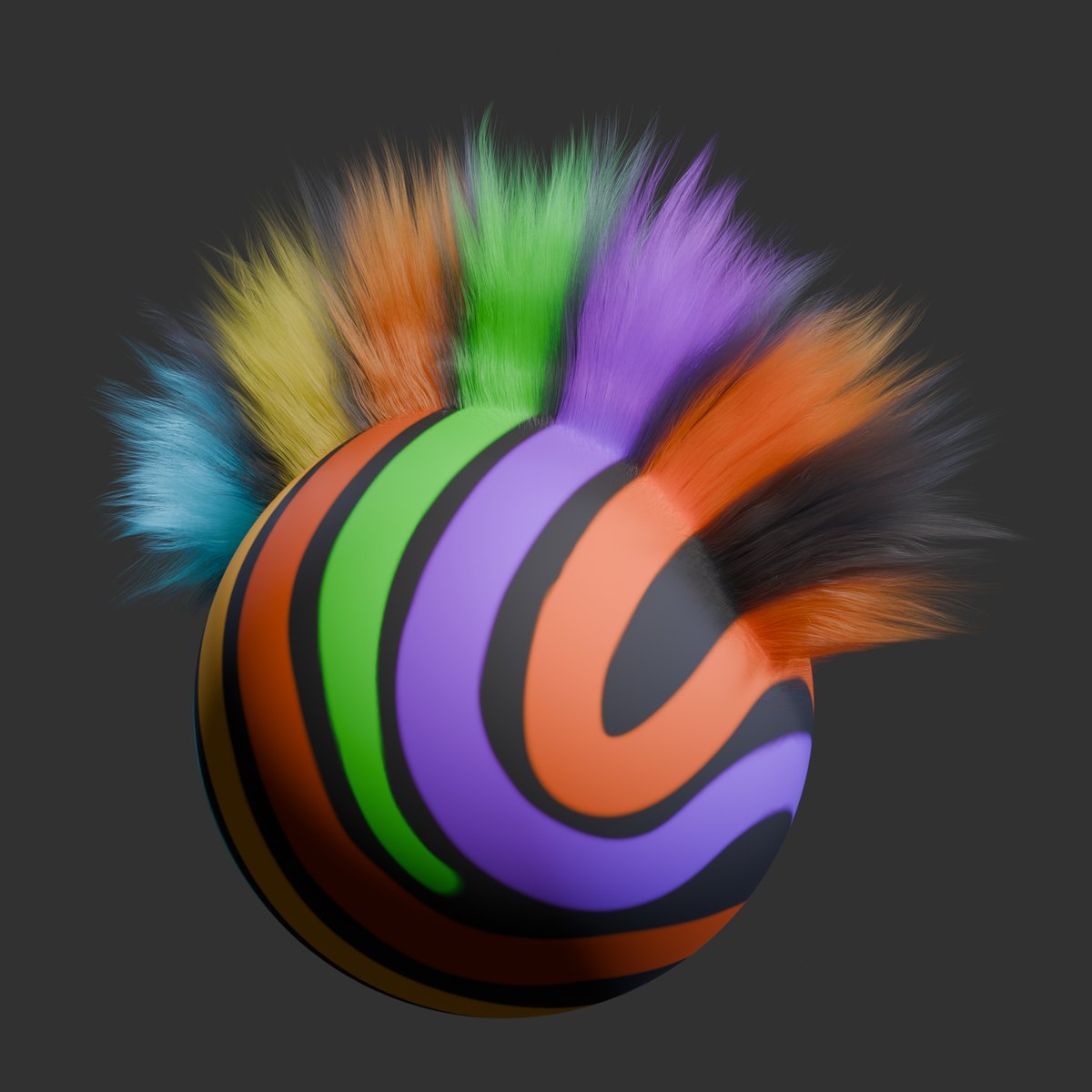
Colour from the surface
Hair picks up the texture or polypaint of the mesh it grows on and fades into the tip colour you choose.
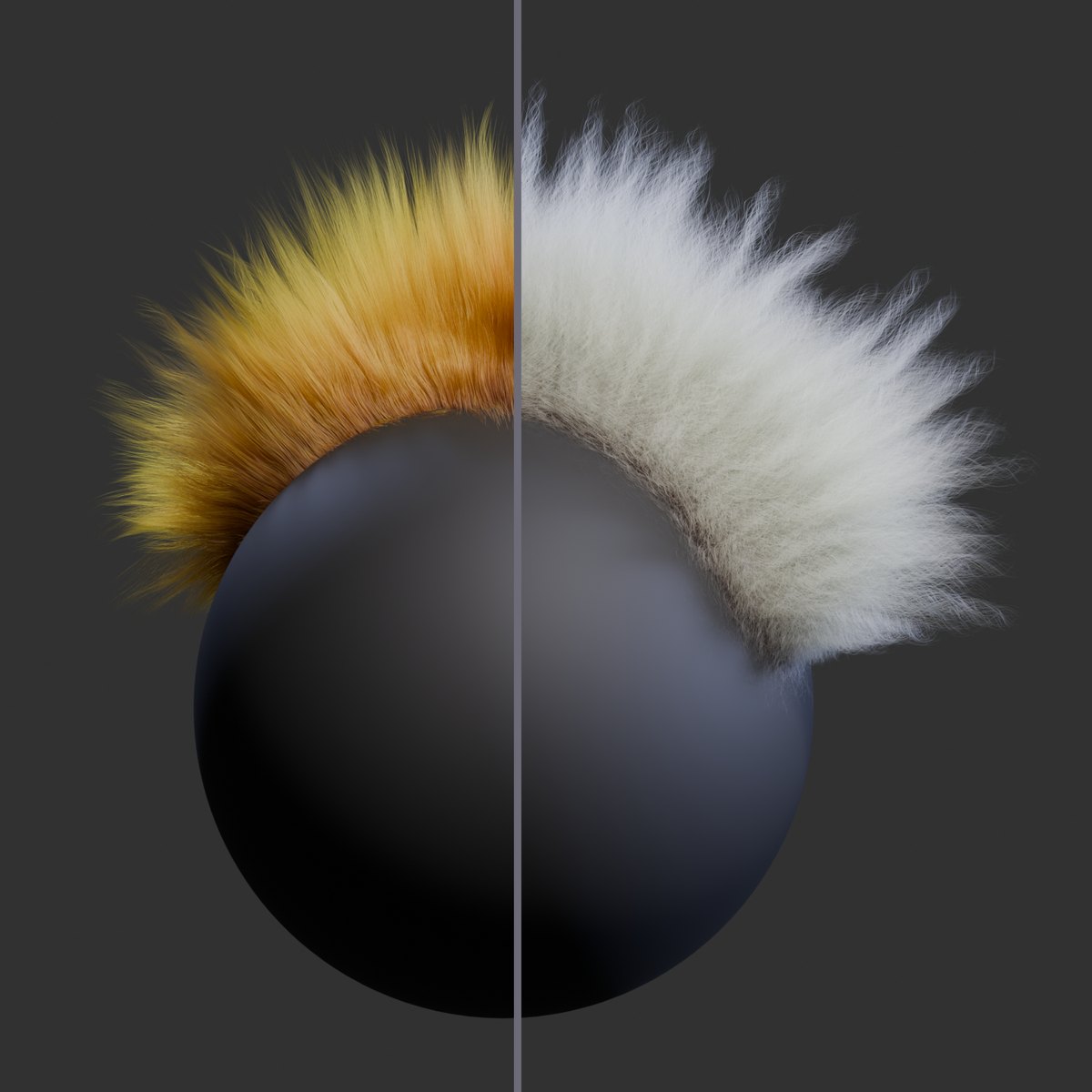
Presets and A/B compare
Save looks, flip between two versions, or blend between them to find the one you want.
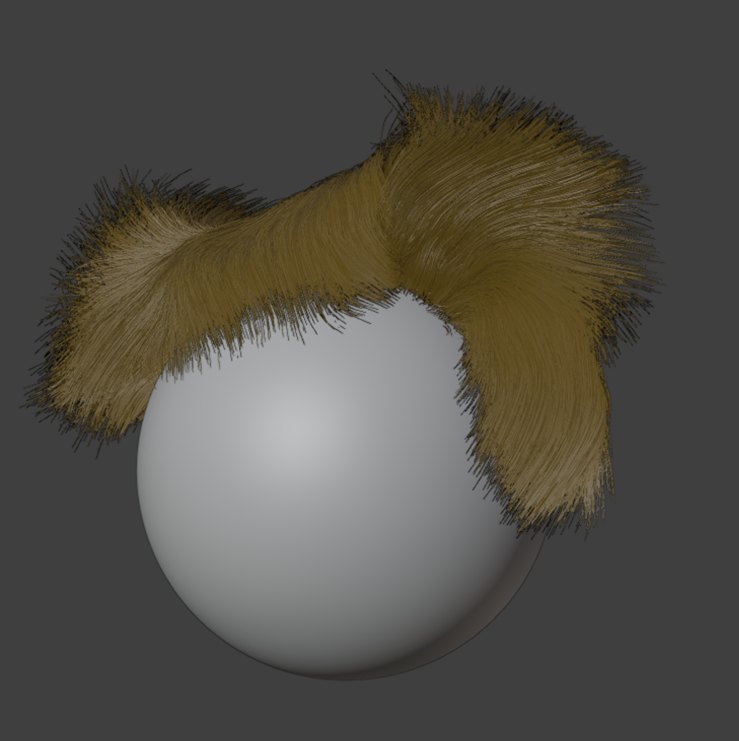
Groom, sets and Alembic
Comb in Blender, stack hair, beard and brows as separate sets, export to Alembic.
Questions
Do I need the full FiberMesh export?
It works best with the full export, where your fibers become the hair as they are. A lighter export with only a few hundred curves works too: FiberPort treats them as guides and fills in the rest.
Which Blender versions?
Blender 4.5 to 5.3, on Windows and Mac.
Can I render somewhere else?
Yes. Export Alembic sends the finished hair to tools like Marmoset Toolbag, lined up with your ZBrush model.